When You Can't Take Back Your Own Calendar: The Hidden Risk of Pricing Tool Trials
Trustpilot
TL;DR: Author is stuck trying to cancel a PriceLabs trial but cannot remove its pricing and minimum-night overrides from their calendar, leaving them unable to control their own rates.
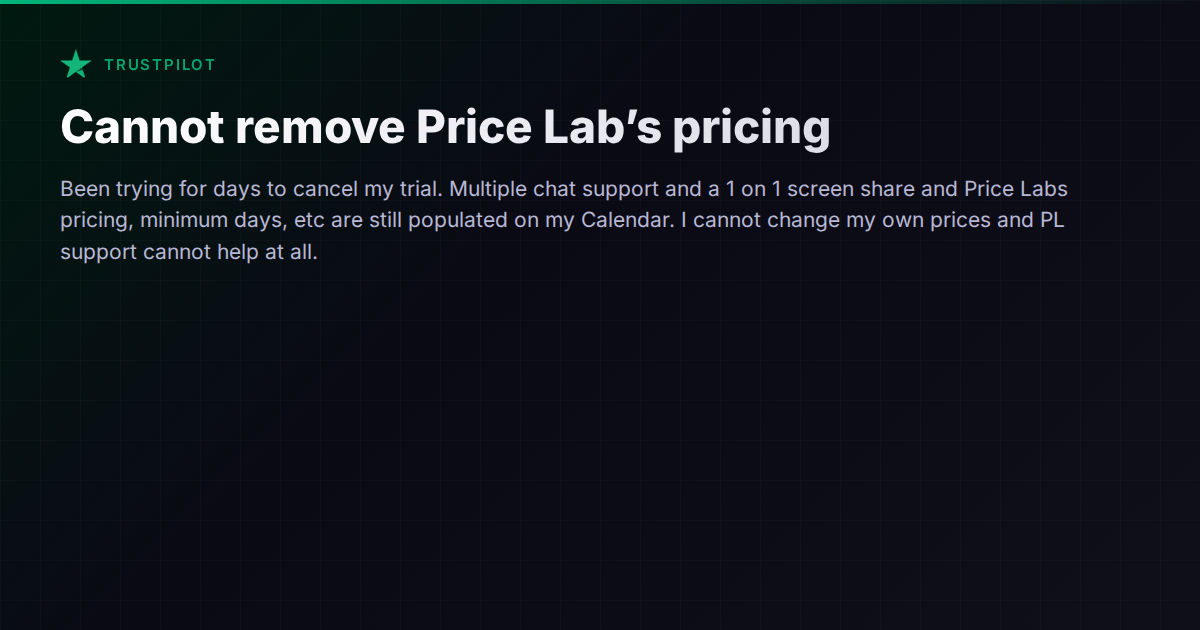
A host recently shared a frustrating experience on Trustpilot: after signing up for a PriceLabs trial, they spent days trying to cancel — only to discover that PriceLabs’ pricing, minimum-night settings, and other overrides were still stuck on their calendar. Multiple chat support sessions and even a one-on-one screen share couldn’t fix it. They were locked out of controlling their own rates.
This isn’t a one-off glitch. It’s a structural problem that surfaces any time a third-party pricing tool pushes data into your OTA calendar and something goes wrong during disconnection. Understanding why it happens — and how to protect yourself — matters more than most hosts realize before they click “Start Free Trial.”
Why Pricing Tools Get Sticky
Dynamic pricing platforms like PriceLabs, Wheelhouse, and Beyond work by pushing nightly rates, minimum stays, and availability rules directly into your Airbnb, VRBO, or Booking.com calendar via API. When everything is connected and working, this is the whole point: automated, data-driven pricing without manual effort.
The problem emerges at the seams — specifically, when you disconnect. Disconnecting a pricing tool doesn’t necessarily mean the data it wrote to your calendar gets rolled back. Most OTA APIs are “write-forward”: they accept incoming price updates but don’t maintain a history of what your prices were before the tool connected. So when you cancel or disconnect, the last set of prices the tool pushed remains in place. There’s no “undo” button.
This means:
- Nightly rates pushed by the tool stay on your calendar until you manually overwrite them — potentially hundreds of individual dates.
- Minimum-night overrides applied per date may persist, silently blocking bookings you’d otherwise accept.
- Closed dates or availability restrictions can linger, making your listing appear unavailable when it isn’t.
Worse, if the disconnection is incomplete — say, the API connection is partially severed but still pushing stale data — you can end up in a tug-of-war where you change a price and the tool overwrites it again.
The Trial Trap
Free trials amplify this risk. Hosts sign up to “just test it out,” connect their listings, let the tool push a week or two of pricing, then decide it’s not for them. But now they’re in a bind:
- The tool has already overwritten their carefully set rates with algorithmic prices.
- Canceling the trial doesn’t restore the original rates.
- Support for free-trial users is often limited or slow.
- The host may not even know which specific dates were overwritten or what the original values were.
The Trustpilot review that prompted this article is a textbook example. The host tried everything — multiple chat sessions, a screen share with support — and still couldn’t clean up the mess. That’s not necessarily incompetence on either side. It’s a consequence of how OTA APIs handle pricing data: once it’s written, it belongs to the calendar, not the tool that wrote it.
How Different Tools Handle This
Not all pricing and management tools handle disconnection equally. Some are notably better about cleanup:
-
PriceLabs and Beyond are standalone dynamic pricing tools. They push rates into your OTA calendar or PMS but don’t own the calendar layer. Disconnection cleanup is largely manual, which is the root of the problem described above.
-
All-in-one PMS platforms like Guesty, Hostaway, Hospitable, and Lodgify handle pricing within their own channel manager. Because they control the calendar sync layer, disconnecting a pricing integration or reverting to manual pricing is generally more contained — you’re working within one system that owns the data pipeline. That said, migrating away from a PMS that manages your channel connections introduces its own version of the same problem (now at a larger scale).
-
Vanio AI takes this a step further with its all-in-one architecture: pricing, calendar, channel management, and guest communication all live in one system with per-date overrides visible in a single calendar view. Because there’s no external pricing tool pushing data through an API, there’s no disconnection problem to manage in the first place. The trade-off is that you’re committing to the platform’s built-in pricing tools rather than plugging in a specialist like PriceLabs.
Protecting Yourself Before You Connect
Whether you’re trialing a pricing tool or switching PMS platforms, a few habits can save you significant pain:
-
Screenshot or export your current pricing before connecting anything. Most OTAs let you export calendar data or at minimum view a summary. This is your rollback reference.
-
Start with one listing. Don’t connect your entire portfolio to a trial. Test with a single property, learn the disconnection process, and only scale up once you’re confident.
-
Ask support about disconnection before you connect. Specifically: “If I cancel, what happens to the prices already pushed to my calendar? Is there a revert function?” If the answer is vague, proceed with caution.
-
Understand the API relationship. Is the tool pushing directly to Airbnb/VRBO, or is it pushing to your PMS, which then syncs to the OTA? The answer determines where residual data lives and who can clean it up.
-
Check for lingering minimum-night overrides. These are the sneakiest residual settings. A per-date minimum-night override can silently block bookings for months. After disconnecting any tool, manually spot-check several dates across your calendar.
The Bigger Lesson: Who Owns Your Calendar?
This issue points to a deeper question every operator should ask when evaluating their tech stack: who actually controls the calendar data?
With standalone pricing tools, the OTA owns the calendar and the tool writes to it. With a PMS-based channel manager, the PMS owns the master calendar and syncs to the OTA. With a fully integrated platform, everything lives in one place.
Each architecture has trade-offs. Standalone tools give you flexibility to mix and match but leave you exposed during transitions. PMS platforms give you more control but create a different kind of lock-in. Fully integrated systems eliminate the disconnection risk but limit your ability to swap individual components.
There’s no universally right answer. But the worst position to be in is the one that host found themselves in: unable to control their own pricing because a tool they no longer want is still haunting their calendar. Whatever stack you choose, make sure you understand the exit path before you need it.
For a broader comparison of how different property management platforms handle pricing, calendar control, and channel management, the comparison hub is a good starting point.