When Your PMS and Airbnb Can't Agree on Who Owns the Reservation
Airbnb Community
TL;DR: Host is stuck with ElektraWeb PMS where neither Airbnb nor the PMS can modify reservations (date changes, cancellations) for guests on strict rate plans, creating an operational deadlock with both sides bouncing responsibility.
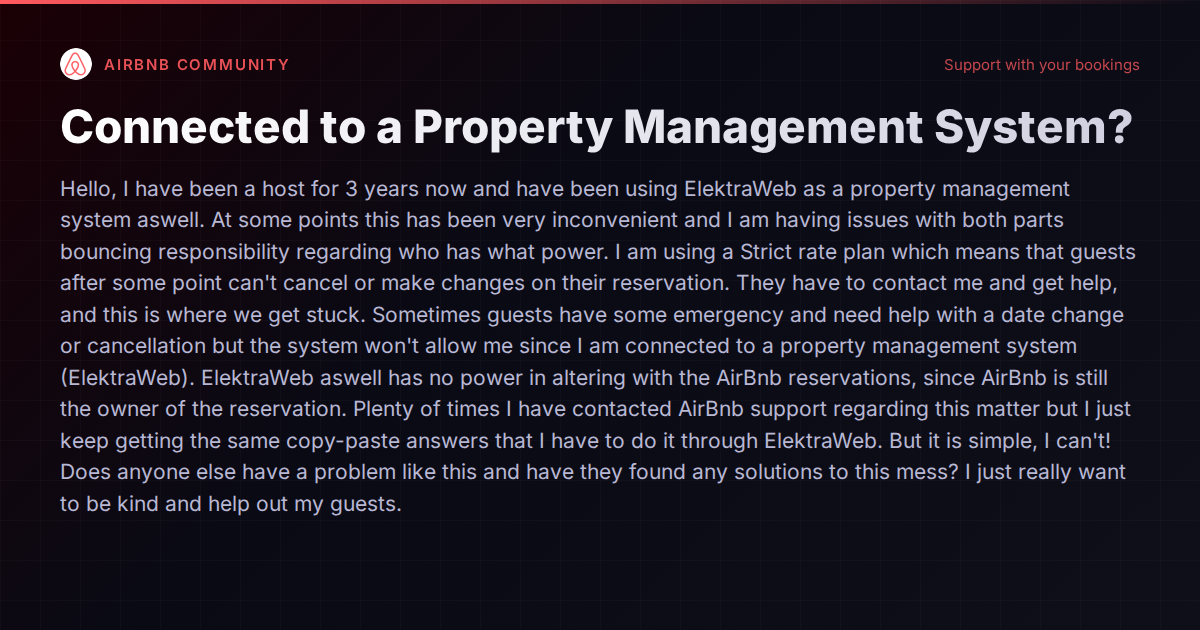
There’s a special kind of frustration that comes from being caught between two systems, each pointing at the other while your guest waits for help. A host recently described this exact scenario in an Airbnb community thread: they’ve been hosting for three years and using ElektraWeb as their property management system. When a guest on a strict cancellation policy needs a date change or cancellation, neither Airbnb nor the PMS will process the modification. Airbnb tells the host to make changes through their PMS. The PMS says it has no authority over Airbnb reservations. The host is stuck in the middle, wanting to help their guest and unable to do anything.
This isn’t an obscure edge case. It’s a systemic problem that hits any host who connects a PMS to a booking channel and then discovers that “connected” doesn’t mean “coordinated.”
The Root Cause: API Permission Gaps
When a PMS integrates with Airbnb (or any OTA), the connection is governed by Airbnb’s API. That API grants the PMS certain permissions — syncing calendars, pulling reservation data, sending messages — but the scope of what the PMS can actually do varies depending on the integration type and the PMS’s certification level.
Some PMS platforms have full API access that includes the ability to modify or cancel reservations on the host’s behalf. Others have read-heavy integrations where they can pull data but can’t push changes back. The problem is that hosts rarely know which type of integration their PMS has until they’re in the middle of a crisis.
Airbnb’s support, meanwhile, often defaults to scripted responses that assume the PMS should handle everything — because from Airbnb’s perspective, once you’ve connected a PMS, that system is supposed to be your operational layer. When the PMS lacks the API permissions to modify reservations, you get the deadlock the host described: two systems, zero solutions.
This Happens More Than It Should in 2026
You’d think that by now, every PMS would have robust two-way API integration with major OTAs. The reality is messier. Many smaller or regional PMS platforms (ElektraWeb is used primarily in the European hospitality market) were built for traditional hotel operations and added short-term rental channel connections as an afterthought. Their Airbnb integration might be solid for calendar sync and new bookings but incomplete when it comes to mid-stay modifications, cancellations, or policy overrides.
Even among the larger, purpose-built vacation rental PMS platforms, the depth of Airbnb integration varies:
- Guesty has a mature Airbnb API integration that generally supports reservation modifications and cancellations from within the platform. Their scale (500,000+ listings managed) means they’ve had the leverage and incentive to negotiate deep API access.
- Hostaway positions itself as having “highest-status OTA connections” and supports two-way communication and reservation management through Airbnb’s API, though the specifics of what modifications are supported can depend on the reservation’s cancellation policy.
- Hospitable focuses heavily on automated messaging and operational workflows. Their Airbnb integration covers bookings and communication, but hosts should verify whether mid-reservation modifications are supported through the platform versus requiring direct Airbnb dashboard access.
- Lodgify offers Airbnb integration with real-time syncing, but as a platform more focused on direct bookings and website building, the depth of OTA reservation modification capabilities may be more limited.
The honest answer is that no PMS has perfectly seamless modification capabilities across every OTA, because OTAs themselves impose different rules. Airbnb’s API has evolved significantly, but certain actions — especially those involving strict cancellation policies — still have guardrails that limit what third-party systems can do.
Why Strict Cancellation Policies Make It Worse
The host’s mention of a strict rate plan is important context. Airbnb’s strict cancellation policies intentionally limit what guests can do unilaterally. But they also complicate what hosts can do, because the platform treats modifications to strict-policy reservations with extra scrutiny.
When you add a PMS to this equation, you get a three-party problem:
- The guest can’t cancel or modify because the policy prevents it.
- The host wants to help but the PMS won’t let them push changes to Airbnb.
- Airbnb support sees the PMS connection and deflects to the PMS.
The workaround that experienced hosts report using — and this is not elegant — is to temporarily disconnect the PMS from the specific listing, make the modification directly in Airbnb’s dashboard, and then reconnect. This is fragile and risks calendar sync issues, but it works when you’re cornered. Some hosts keep their Airbnb dashboard login active specifically for these situations, treating the PMS as the primary interface for daily operations but retaining direct OTA access as an escape hatch.
What to Look for in a PMS Integration
If you’re evaluating PMS platforms or considering a switch, the depth of OTA integration should be near the top of your checklist. Specifically:
- Can the PMS modify existing reservations on Airbnb? Not just view them — actually change dates, adjust pricing, or initiate cancellations.
- Does the PMS support Airbnb’s alteration request flow? Some modifications require the guest to accept an alteration request. A well-integrated PMS should be able to initiate that flow.
- What happens with strict cancellation policies? Ask the PMS vendor directly: “If I have a guest on a strict policy who needs a date change, can I process that through your system?” If they can’t give you a clear yes, that’s your answer.
- Is the integration via Airbnb’s official API or through iCal? iCal connections are calendar-only and can’t modify reservations. You need a full API connection for operational control.
- What’s the PMS’s API certification level with Airbnb? Airbnb has different tiers of API partner access, and higher tiers unlock more functionality.
The Bigger Picture: Integration Depth as a Differentiator
The vacation rental industry has a growing number of PMS options, and most of them check the “Airbnb integration” box on their feature lists. But there’s a wide spectrum between “we sync your calendar” and “we give you full operational control over reservations across every channel.”
Platforms built specifically for short-term rentals — rather than adapted from hotel or traditional property management software — tend to have deeper OTA integrations because their entire business depends on it. Vanio AI, for instance, is built as an AI-native platform where the system manages reservations, messages, and operational actions across channels from a single data layer, which means the AI can process modifications and cancellations as part of its normal workflow rather than requiring hosts to bounce between systems.
But regardless of which platform you’re considering, the key lesson from this host’s experience is clear: don’t assume “connected” means “fully capable.” Before you commit to a PMS, test the specific workflows that matter to your business — especially the ones that involve modifying or cancelling reservations under restrictive policies.
Where to Dig Deeper
If you’re comparing PMS platforms and want to understand how they stack up on integration depth, operational capabilities, and the specific pain points that hit multi-channel hosts hardest, our comparison hub breaks down the differences across the major players. The devil, as always, is in the integration details.