AI Guest Messaging: Why Hosts Adopt It and Why Quality Varies So Much
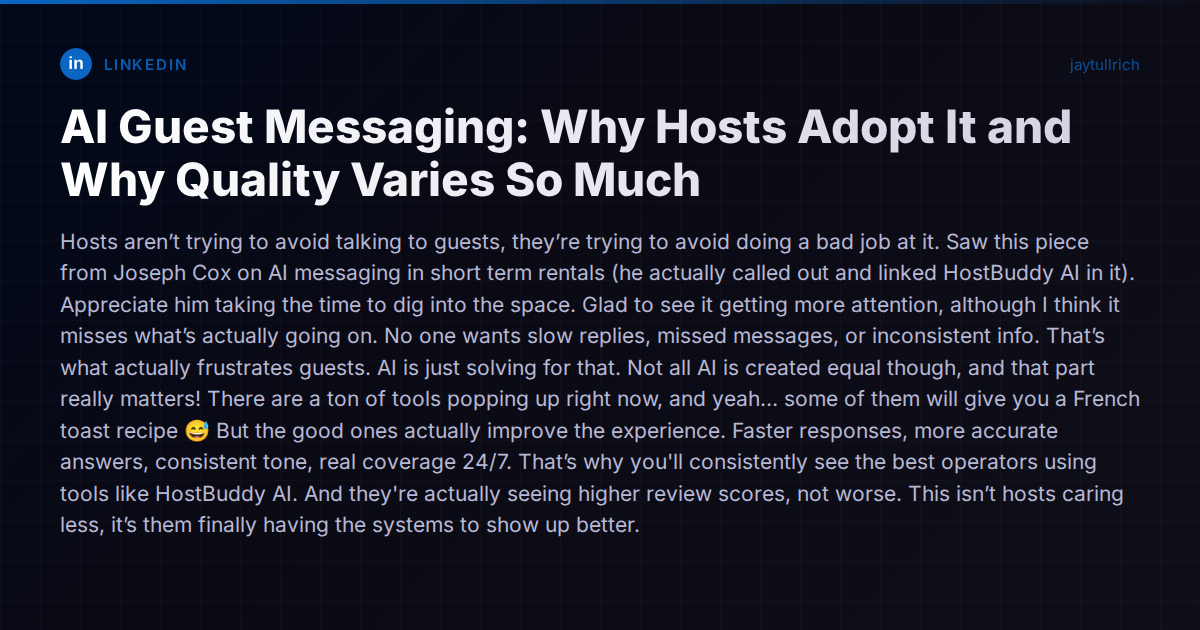
TL;DR: Hosts don't want to avoid guests — they want AI that delivers faster, more accurate, consistent 24/7 responses so they stop doing a bad job at communication, but not all AI tools are equal and many give garbage answers.
A LinkedIn post recently cut through a common misconception about AI-powered guest messaging in short-term rentals. The argument: hosts aren’t adopting AI tools because they want to avoid talking to guests. They’re adopting them because they’re tired of doing a bad job at it — slow replies at 2 AM, inconsistent check-in instructions, missed messages during turnovers.
It’s a distinction that matters, and it frames the real conversation the industry should be having. The question isn’t whether AI belongs in guest communication. It’s which AI tools actually improve the guest experience and which ones make it worse.
The Real Problem AI Is Solving
Managing guest communication across multiple listings and platforms is genuinely hard. A host with ten properties on Airbnb, Booking.com, and VRBO might field 50+ messages a day during peak season. These aren’t simple exchanges — guests ask about parking specifics, early check-in possibilities, local restaurant recommendations, WiFi passwords, and maintenance issues, often within minutes of each other.
The failure mode isn’t callousness. It’s bandwidth. A solo operator sleeping through a midnight arrival question. A property manager copy-pasting the wrong check-in code because they’re toggling between three browser tabs. A guest asking about late checkout and getting a response twelve hours later, after they’ve already left a three-star review.
Studies from Airbnb’s own data consistently show that response time is one of the strongest predictors of guest satisfaction and Superhost status. Guests don’t necessarily need a human — they need accurate, timely, helpful information. If AI delivers that better than an overwhelmed host at midnight, the guest wins.
Not All AI Is Created Equal
Here’s where the conversation gets more nuanced than most marketing pitches allow. The LinkedIn post put it bluntly: some AI tools will give you a French toast recipe when a guest asks about the toaster. It’s funny until it’s your listing and your review score.
The quality gap between AI guest messaging tools is enormous right now, and it comes down to a few key architectural differences:
Knowledge grounding
The worst tools are essentially ChatGPT wrappers with a thin layer of property data. They hallucinate confidently — inventing amenities that don’t exist, giving wrong directions, making up policies. The better tools ground every response in a structured knowledge base tied to the specific property, so the AI can only reference information the host has verified.
Action capability vs. chat-only
Some tools can only draft text responses. They can’t actually do anything — generate a door code, adjust a reservation, dispatch a cleaner, process an early check-in fee. This creates an awkward experience where the AI says “I’ll look into that for you” and then… nothing happens until the host wakes up.
Context window
Does the AI see just the current message, or does it have access to the full reservation timeline — previous messages, payment status, check-in time, lock code status, cleaning schedule? A tool that doesn’t know the guest already asked about parking yesterday will ask them to repeat themselves.
Guardrails and escalation
Good AI knows when it’s out of its depth. Bad AI guesses. The difference between these two behaviors is the difference between a guest getting “Let me check with the host and get back to you” versus a confidently wrong answer about the cancellation policy.
The Tool Landscape Right Now
The market is crowded and moving fast. Here’s an honest look at the main approaches:
Dedicated AI messaging add-ons like HostBuddy AI focus specifically on the guest communication layer. They plug into an existing PMS and handle the messaging piece. The upside is they can go deep on messaging quality. The downside is they’re an additional tool in your stack — your PMS, your channel manager, your messaging AI, your lock integration, and your cleaning coordinator are all separate systems that may or may not share context.
PMS platforms adding AI features include most of the major players. Guesty has ReplyAI for automated guest responses and sentiment analysis. Hospitable has built automated messaging into its core product for years (template-based, with an AI Copilot in development). Hostaway offers AI-powered replies within its unified inbox. These solutions benefit from living inside the PMS, so they have access to reservation data. The limitation is that AI is typically a feature added to an existing architecture, not the core design principle.
AI-native platforms take a different approach. Vanio AI was built from the ground up with the AI agent at the center of the system rather than bolted onto an existing PMS. Because the AI has native access to reservations, tasks, payments, smart locks, and cleaning coordination in one data layer, it can take real actions — generating door codes, dispatching cleaners, processing early check-in upsells — within a single reasoning loop. Shadow Mode lets hosts review and approve every AI draft before it sends, building trust before transitioning to full autonomy. That architectural difference matters when a guest asks for early check-in and the answer depends on the cleaning schedule, lock code generation, and a potential upsell charge all coordinated together.
Rule-based automation (not really AI) is what many hosts still use — message templates triggered by booking events. These handle the predictable stuff well: booking confirmation, check-in instructions two days before arrival, checkout reminders. They fall apart completely with any unscripted question. If your guest asks whether they can store luggage after checkout, a template system has nothing to say.
What Actually Matters When Evaluating AI Messaging
If you’re shopping for an AI guest messaging solution, here’s what to pressure-test:
- Accuracy under adversarial questions. Don’t just test “What’s the WiFi password?” Ask it something it shouldn’t know and see if it admits uncertainty or hallucinates.
- Action depth. Can it actually do things, or just talk about doing things? A guest asking for a late checkout should ideally get a response, a price quote, and a payment link — not a promise to relay the message.
- Escalation quality. When the AI can’t help, does it escalate cleanly with context, or does the host get a notification with no summary of what’s already been discussed?
- Cross-system context. Does the AI know the cleaner hasn’t arrived yet when a guest reports a dirty unit? Or is it operating in an information silo?
- Review impact. Ask for data. Any vendor claiming AI improves guest experience should be able to show review score trends, response time metrics, and automation rates from real portfolios.
The Honest Trade-Offs
AI guest messaging isn’t a free lunch. Every tool introduces trade-offs:
- Setup time is real. The AI is only as good as your knowledge base. If you haven’t documented your properties thoroughly, you’ll spend time front-loading that information.
- Edge cases still need humans. A guest locked out at midnight in the rain during a power outage needs a human with judgment, not a chatbot with policies.
- Guest perception varies. Some guests genuinely prefer knowing they’re talking to the host. Others don’t care as long as they get help fast. Your market and guest demographic matter.
- Cost adds up across tools. If you’re paying separately for a PMS, channel manager, messaging AI, lock integration, and cleaning coordinator, the all-in cost can exceed what an integrated platform charges.
The original LinkedIn post had it right: the best operators are using AI to show up better, not to disappear. The key is choosing tools where the AI is genuinely good enough to represent your business — and honest enough to say “I don’t know” when it isn’t.
For a broader comparison of how different platforms handle AI messaging alongside the rest of the operational stack, the comparison hub breaks down the differences in detail.